Go Dons Get Fit Challenge (October 1 - 31)

The Challenge
Who’s more active—students or employees? This October, join the 10th annual Go Dons Get Fit Challenge and take a virtual journey around the globe. Track your steps and activities throughout the month, unlock global milestones, and help your team shine through friendly competition that brings our community together while caring for the whole person—body, mind, and spirit. Prepare to be a world traveler and join the challenge today!
New this year! Track your steps and activities using the Terryberry Be Well app.
How to Participate
- Download the Terryberry Be Well app from the Apple App Store or Google Play.
- Create an account: Select "Create one here" and use your USF email address and enter usfca.thrives.app
- Select the Employees team when registering.
- Join the Go Dons Get Fit: Around the World Challenge.
How to Sync Your Device
- Select ☰, Manage Device, Connect your Apple Health, Fitbit, or Garmin. Syncing may take a few hours.
How to Track Your Activity
- Any step-based activity (e.g., walking, running) will automatically upload once your device (e.g., Apple Health, Apple Watch, Garmin, FitBit) is connected.
- For non-step activities (e.g., weight training, swimming, cycling), select + in the app or Add an Entry on desktop.
- Great opportunity on the app to connect with others, give them a thumbs up or encouraging note, post pictures, and have fun!
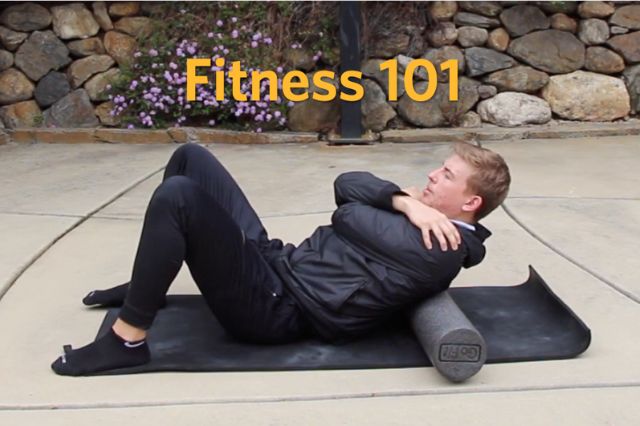
Exercise opportunities and Resources to do at home or on campus





Get Social
A picture is worth 1000 words. Encourage and engage with others by posting your active photos on Instagram and tag #gousfca! Direct message/tag us on instagram @gousfca with #godonsgetfit and #gousfca.
Sponsored by GoUSF, Health Promotion Services, the Kinesiology Department and Koret Health Recreation Center